
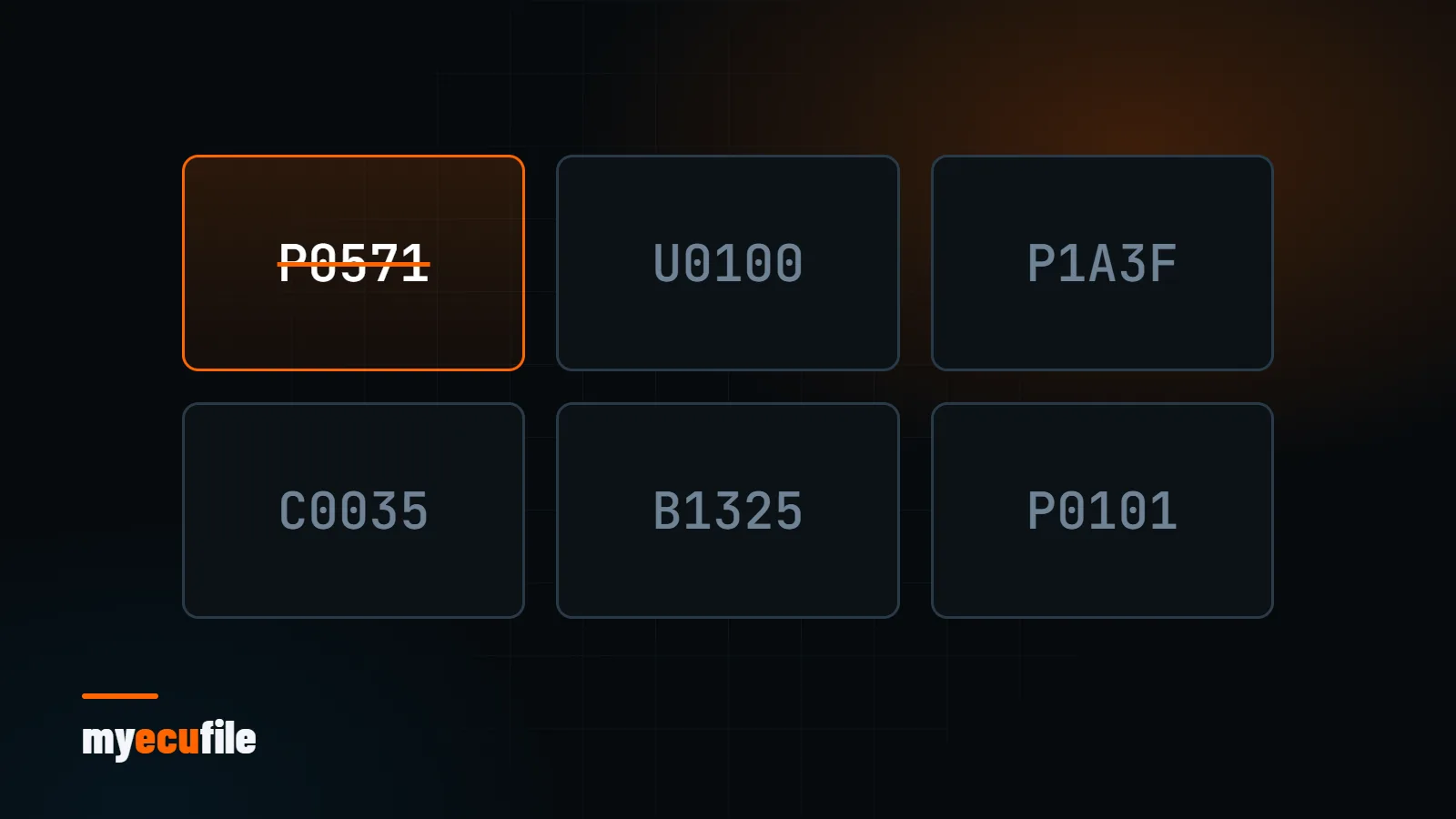
An engine swap, a removed component, an ECU coded for a different market… In some cases a car keeps storing a fault code that does not point to a real fault. DTC Off means disabling that specific code in the ECU software. This article covers how DTCs are read, when disabling one makes sense, and why not every code should be switched off.
What is a DTC and how is it read?
A DTC (Diagnostic Trouble Code) is stored by the ECU when it detects something unexpected in a sensor, circuit or system. Under the OBD-II standard a code is one letter followed by four digits:
- P: powertrain (engine and transmission)
- C: chassis (brakes, steering, suspension)
- B: body (climate, airbags, comfort systems)
- U: network and communication
The first digit after the letter shows whether the code is generic (0) or manufacturer-specific (1). P0xxx codes mean the same thing for every manufacturer, while the meaning of P1xxx codes depends on the brand. You can look up any code in the free fault code dictionary in our panel.
When does disabling a DTC make sense?
DTC Off makes sense for codes caused by a known, permanent hardware change:
- Engine or ECU swaps: the new combination keeps logging a code for a system it does not have.
- Optional equipment that is not fitted: software written for a different equipment pack looks for a component the car does not have.
- Motorsport and track cars: components removed or replaced for racing use.
- Software false positives: codes logged on a healthy system because of a known software issue.
When should a code not be disabled?
A fault code is a symptom. Disabling the code of a real fault does not fix it; it only hides it. A failing sensor, a leaking hose or a worn part can lead to bigger damage without warning. So:
- Find the cause first: check live data with a diagnostic tool and note when the code appears.
- If the fault is real, repair or replace the part.
- Only consider disabling the code if it comes from a known hardware change.
Disabling codes for emission-related systems is not legal for road use in many countries and can cause inspection failures. Check your local rules before requesting it.
How to prepare a DTC Off request
- List the exact codes. Write every code you want disabled in full (for example
P0571). General requests such as "turn off the engine fault" cannot be applied. - Explain the reason. Briefly describe the hardware change behind the code.
- Send the original file. Codes are disabled on the original file. If your file has been modified before, say so.
- Clear the codes after writing. Once the new file is written, clear the stored codes with a diagnostic tool and check again after a drive cycle.
See our DTC Off service page for details. MyEcuFile members can also disable codes themselves on supported ECUs with the DTC Remover tool in the panel.
Frequently asked questions
Is disabling a DTC the same as clearing it?
No. Clearing removes stored codes temporarily; if the cause remains, the code comes back. Disabling stops the software from logging that code.
Can a disabled code be turned back on?
Yes, by writing the original file or a file without that change. That is why the original file backup should always be kept.
The warning light is on but I see no code. What now?
The code may be stored in another control unit (transmission, ABS, body). Use a diagnostic tool that scans every module.