
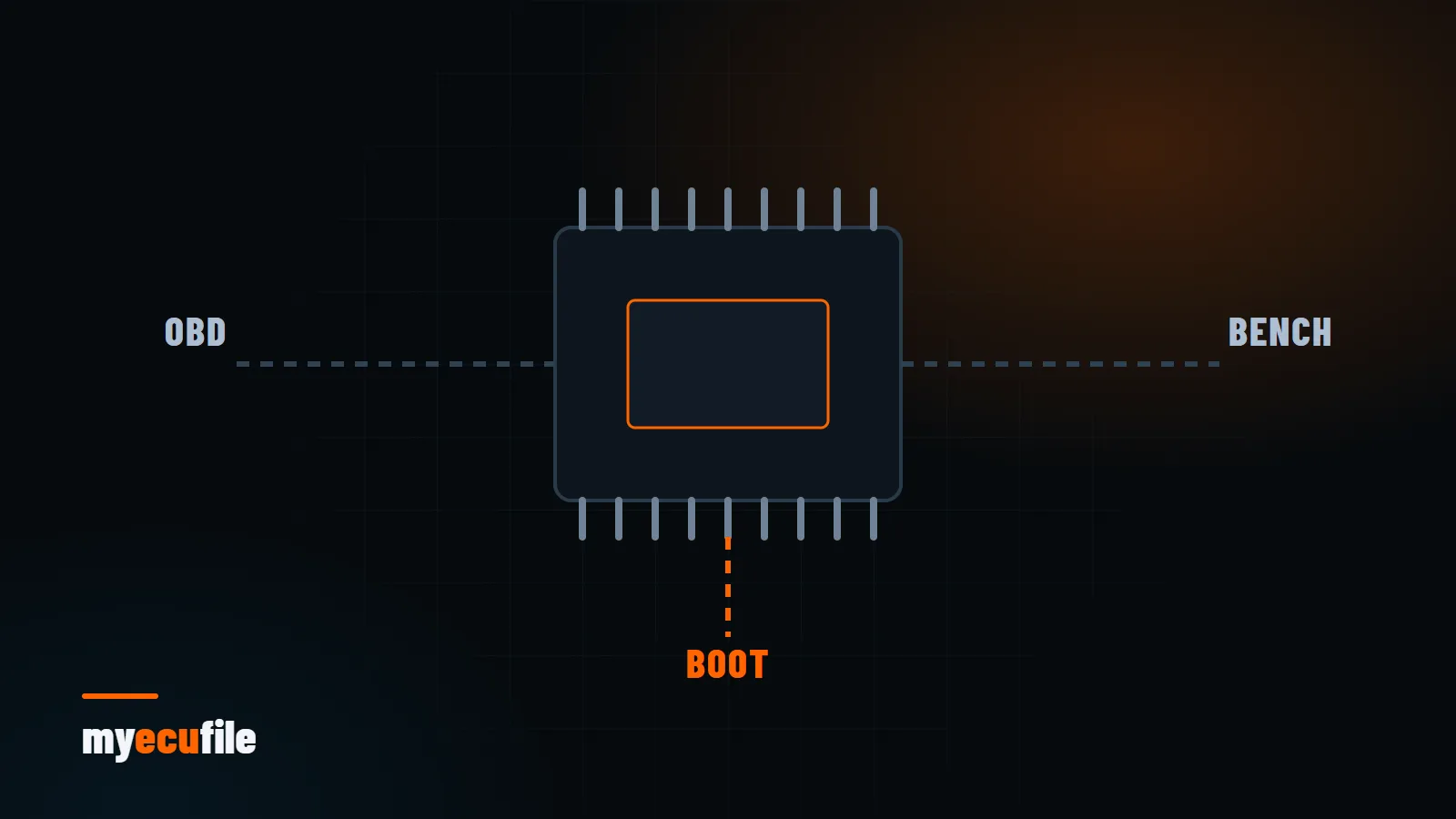
Every tuning job starts the same way: reading the ECU software completely. The read method decides how long the job takes, whether the ECU has to come out of the car, and how complete your backup will be. This article compares the three most common methods, OBD, bench and boot, with their strengths and limits.
OBD reading: through the diagnostic port
With OBD reading the ECU stays in the car. The tool plugs into the diagnostic port and talks to the ECU over the diagnostic protocol. It is the fastest and least invasive method.
- Strength: no physical work on the ECU, quick turnaround.
- Limit: not every ECU can be read over OBD. On some, only the calibration area is accessible, not the full flash and EEPROM.
- Risk: if battery voltage drops mid-process, the read or write can be interrupted. Always use a proper battery support unit and switch off unnecessary consumers.
Bench reading: ECU on the desk, through the pins
For bench reading the ECU is removed and connected to the tool through its connector pins. The case is usually not opened; power and CAN or K-line are supplied straight to the pins.
- Strength: reaches areas OBD cannot on most ECUs, often including the full flash and EEPROM.
- Limit: the ECU must be removed, and you need the correct pinout and cable.
- Best for: ECUs not supported over OBD, or jobs where a full backup is essential.
Boot reading: case opened, at processor level
With the boot (BSL, bootloader) method the ECU case is opened and specific points on the board are connected to put the processor into a special mode. Memory is then read directly while the ECU's normal software is bypassed.
- Strength: full reads on locked ECUs or ones OBD and bench cannot reach. Also used for recovery.
- Limit: the most invasive method. It requires opening the case, working on the board and resealing it carefully.
- Risk: connecting to the wrong point can damage the board. Experience and an accurate diagram are essential.
Some older ECUs use BDM or JTAG interfaces for the same purpose. The idea is identical: direct access to the processor, outside the ECU's normal software.
Comparison
| Method | ECU removed? | Case opened? | Typical read coverage |
|---|---|---|---|
| OBD | No | No | Calibration area or full flash (depends on ECU) |
| Bench | Yes | Usually not | Usually full flash and EEPROM |
| Boot / BDM / JTAG | Yes | Yes | Full memory |
Which method should you choose?
The rule is simple: take a complete backup using the least invasive method the ECU supports. Your tool's supported-ECU list shows which methods are possible. If OBD only gives a partial read and you have no full backup, taking one by bench or boot is safer in the long run.
Good practice when reading
- Read twice and compare. If two reads are not identical, there is a connection or power problem.
- Keep every file the tool produces. Flash, EEPROM and the tool's own backup or ID files may all be needed.
- Photograph the ECU label. Hardware (HW) and software (SW) numbers matter for preparing the right file.
- Name files clearly. Make, model, engine, ECU type and date in the file name will save you months later.
- State the method in your request. Knowing which tool and method read the file ensures the returned file is prepared to match.
We explain why the read file must be kept in backing up the original ECU file, and how the ECU validates software after writing in our checksum guide.
Frequently asked questions
Is an OBD read enough for tuning?
It depends on the ECU. The calibration area is enough for most Stage 1 work, but a full backup is always safer.
Can bench reading damage the ECU?
With the correct pinout, a proper cable and stable power, the risk is low. Most failures come from wrong connections and voltage drops.
How do I find my ECU type?
From the ECU label or your tool's identification info. The ECU Detect tool in the MyEcuFile panel also helps identify the ECU and vehicle from an uploaded file.