
You wrote a modified file to the ECU, the tool said "success", but the car will not start or the dashboard lights up with warnings. One of the most common causes is a wrong checksum. This article explains what a checksum is, how the ECU uses it, and how to avoid checksum problems.
What is a checksum?
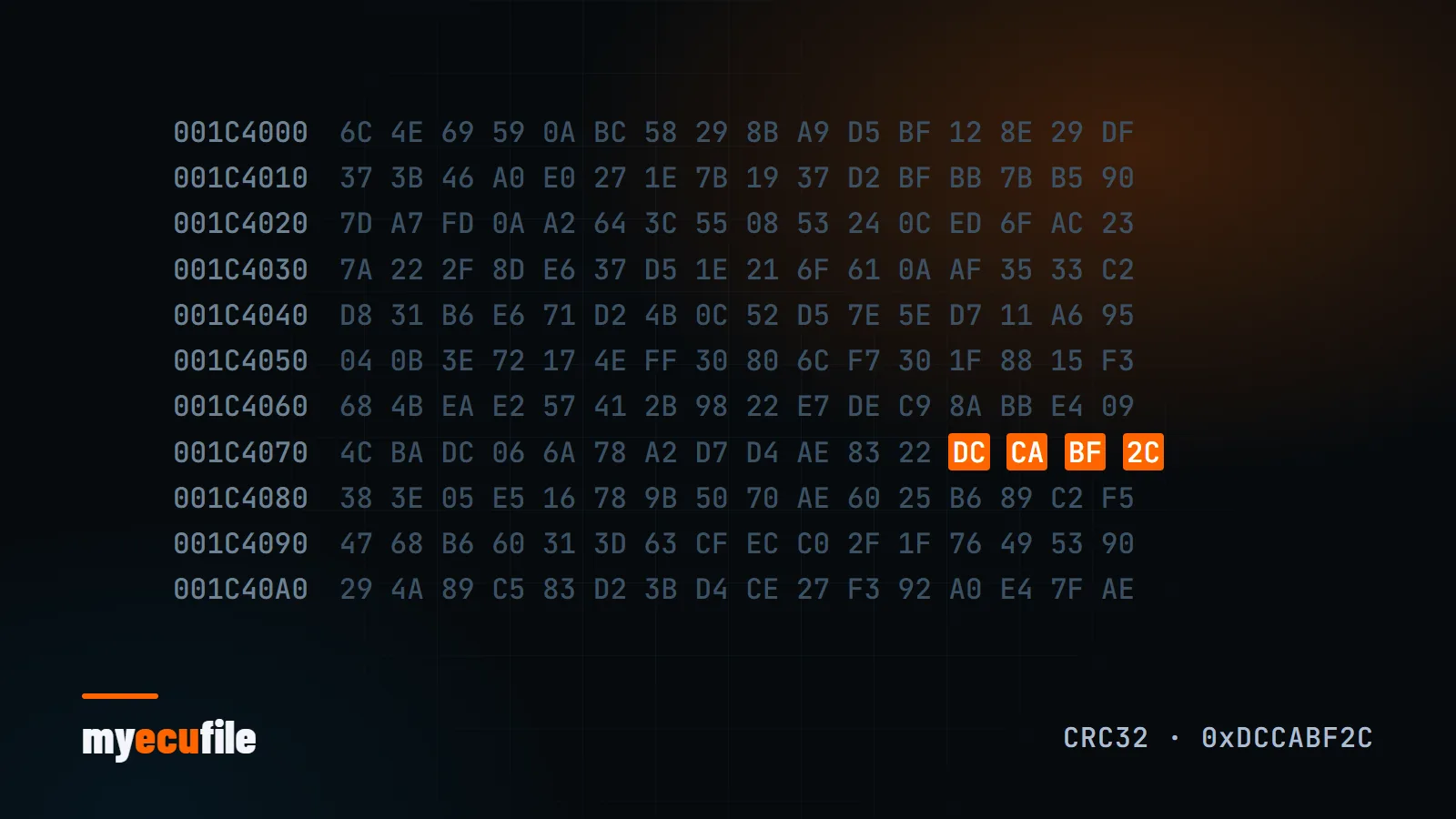
A checksum is a control value calculated from the bytes in a block of data using a fixed formula. ECU software uses these values to confirm that its memory areas have not been changed or corrupted. When the manufacturer builds the software, it calculates a control value for each protected area and stores it inside the file.
When the ECU powers up, or at set intervals, it runs the same calculation and compares the result with the stored value. If they do not match, the ECU treats that area as untrustworthy.
What happens when the checksum is wrong?
It depends on the ECU and which area fails. Common symptoms:
- The car does not start, or cranks without firing
- Engine warning light and stored fault codes
- The engine drops into a power-limited limp mode
- The ECU stops communicating and needs recovery
However well the maps are prepared, a file with an uncorrected checksum cannot be used.
Types of checksum
In simple older software a checksum can be just the sum of the bytes in a region. Newer ECUs use stronger algorithms such as CRC, with several protected areas in a single file. Most modern ECUs additionally verify the software with a digital signature. A signature is not a checksum: it cannot be recalculated without the manufacturer's key. These ECUs can only be modified with read/write solutions that handle the signature check.
Who corrects the checksum?
In practice there are two routes:
- Automatic correction by the write tool: most professional tools calculate the checksum during writing on the ECUs they support. This option is usually on by default.
- Correction by the file service: the service preparing the file delivers it with the checksum already corrected.
Both are valid. What matters is knowing which one applies, so state which tool you read with and which tool you will write with in your file request.
How to avoid checksum problems
- Write back with the same tool and method you read with. Different tools can save files in different formats (full flash, calibration area, tool-specific package).
- Do not edit a delivered file by hand. Even a small change in a hex editor breaks the checksum. If you need a change, ask the file service for a revision.
- Check the file size before writing. The delivered file should be the same size as the file you read.
- Always keep the original file. It is the one safe point to return to if something goes wrong. See backing up the original ECU file.
- Use battery support while writing. An interrupted write can be harder to recover from than a checksum error.
Frequently asked questions
Does a checksum error permanently damage the ECU?
Usually not. The ECU can normally be recovered by writing the original file via bench or boot. We compare read methods in this article.
Should I correct the checksum myself?
That depends on your read/write tool. Naming your tool in the request makes it clear how the delivered file should be handled when writing.
How can I tell the checksum is correct?
On supported ECUs your write tool reports the checksum check. If you are unsure, ask our engineer in the request chat before writing the file.