
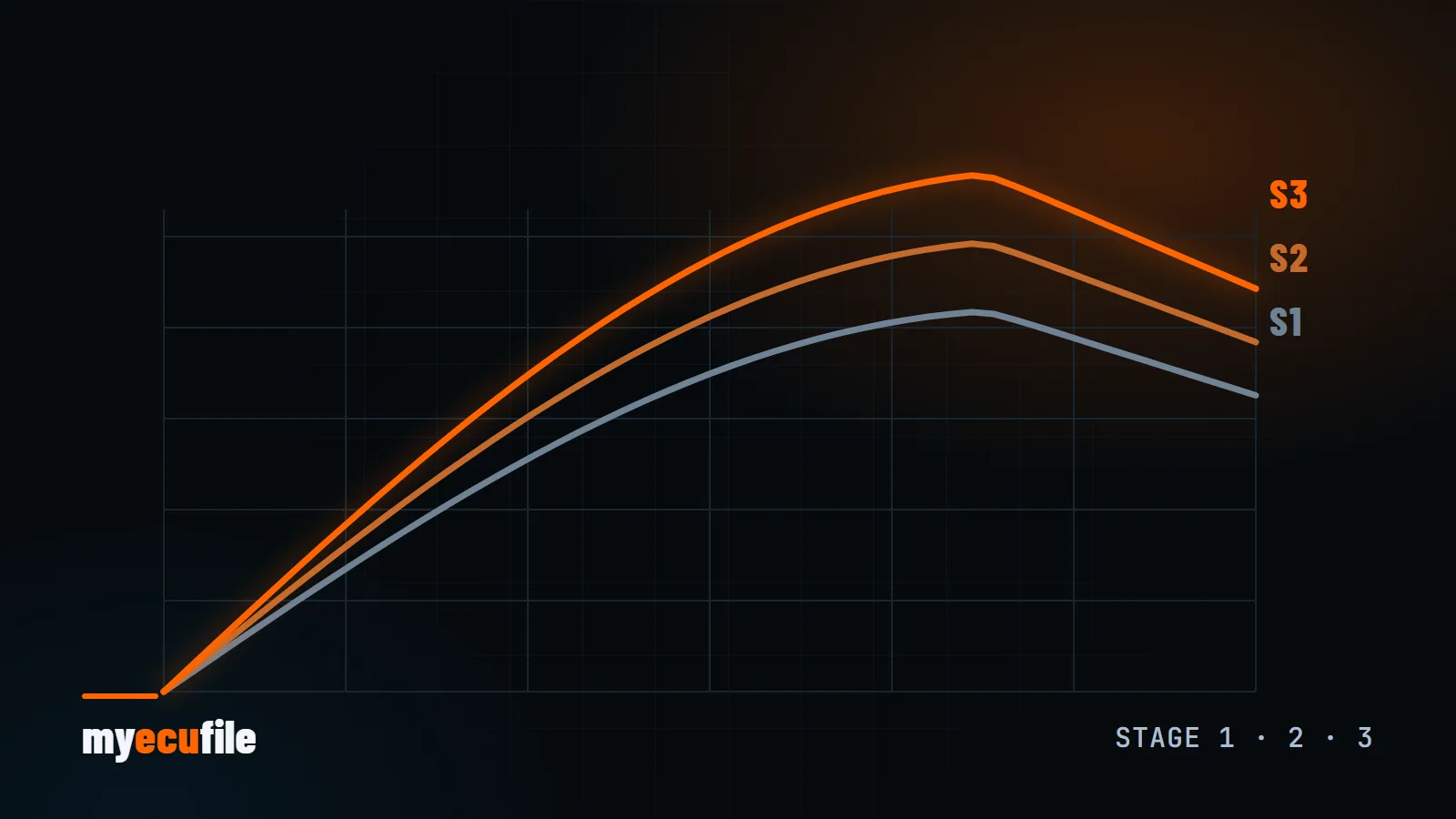
Anyone looking into chip tuning for the first time runs into the same three labels: Stage 1, Stage 2 and Stage 3. They are not defined by any standards body. They are shorthand the industry uses to say how far the software can go given the hardware on the car. This guide explains what each stage means, what hardware it expects, and what to check before you choose one.
In short: what does the stage number describe?
The stage number tells you which hardware the software was written for. Stage 1 assumes a completely stock car. Stage 2 accounts for changes to the exhaust, intake and cooling. Stage 3 is for cars where major components such as the turbo, injectors or fuel pump have been replaced. The higher the stage, the more power is possible, and the more the rest of the car has to withstand.
Stage 1: software optimisation on stock hardware
Stage 1 changes only the ECU software and leaves every factory part in place. Manufacturers sell the same engine at different power outputs for different markets, fuel qualities and tax brackets, so most turbocharged engines have usable headroom in the calibration.
A Stage 1 file typically adjusts:
- Boost pressure targets and pressure limits
- Torque limiters for the engine, gearbox and individual gears or rpm ranges
- Fuel quantity and injection timing (diesel) or ignition advance (petrol)
- Throttle response and driver's wish maps
- Smoke limiters on diesels and lambda targets on petrol engines
The gain depends on the engine. Turbo diesel and turbo petrol engines respond well, while naturally aspirated engines gain far less. Be wary of anyone promising a fixed percentage before seeing your engine code and software version. You can look up stock and estimated figures for your car in our vehicle catalogue.
The biggest advantage of Stage 1 is that it is reversible: as long as you have a backup of the original file, the car can always go back to factory software. See our Stage 1 service page for details.
Stage 2: with supporting hardware
Stage 2 is software written for a car whose breathing has been improved. Common changes include:
- A free-flowing downpipe or post-turbo exhaust
- A more efficient intercooler
- A performance intake system
- Fuel system upgrades on some platforms
These parts lower exhaust gas temperature and back pressure on the turbo, so the software can safely run a higher load. The key point is that the file must match the parts that are actually fitted. A Stage 2 file running on a car without those parts can be riskier than Stage 1.
Removing or modifying emission components such as catalytic converters or particulate filters is not legal for road use in many countries. Check your local inspection and emission rules before planning hardware. More on our Stage 2 page.
Stage 3: turbo and fuel system upgrades
Stage 3 means the engine's main power-producing parts have changed: a larger or hybrid turbo, higher-flow injectors, a high-pressure fuel pump and, where needed, strengthened internals. An off-the-shelf file is rarely enough at this level. The calibration is built around the characteristics of the new parts and usually verified with data logs or a dyno.
Clutch, gearbox, driveshafts and cooling belong in a Stage 3 plan too. A drivetrain that cannot take the extra torque becomes the weakest link. Read more on our Stage 3 page.
Comparison table
| Stage 1 | Stage 2 | Stage 3 | |
|---|---|---|---|
| Hardware | Fully stock | Exhaust, intake, intercooler | Turbo, injectors, fuel pump |
| Software | Ready-made or custom file | File built for the parts list | Custom calibration |
| Verification | Recommended (logs) | Strongly recommended | Required (logs / dyno) |
| Going back to stock | Easy with the original file | Parts must be removed too | Extensive |
| Drivetrain | Stock is usually fine | Should be checked | Often needs upgrading |
What to check before you decide
- Engine health: fix fault codes, boost leaks, misfires or high oil consumption first. Software does not cure a fault; it usually makes it more obvious.
- Gearbox torque limits: dual-clutch and automatic gearboxes have their own torque limits in the transmission software, which have to be taken into account.
- Fuel quality: on petrol engines, state the octane you use in your file request so the calibration matches it.
- Original backup: before anything else, keep a full backup of the file you read. We explain why in our article on backing up the original ECU file.
- How you use the car: daily driving, towing and track use need different targets. Mentioning it in your request notes leads to a better calibration.
Frequently asked questions
Can a Stage 1 tune be reversed?
Yes. If the original file read from the ECU was saved, writing it back returns the car to factory software.
Do I need Stage 1 before Stage 2?
No. A Stage 2 file is built from the original file directly. What matters is an accurate list of the parts fitted.
How do I know which stage suits my car?
Look at which parts are fitted and how you use the car. For a completely stock car the only correct choice is Stage 1. Our step-by-step guide to ordering a tuning file shows how to open a request.